Best: a vector file
A vector file stores your logo as shapes instead of pixels, so it stays sharp at any size, from a cap front to the back of a hoodie. Look for files ending in .ai, .eps, .pdf or .svg. A .pdf is only vector if it was saved from a design program: a photo of a logo inside a PDF isn't.
If a designer or print shop made your logo, ask them for the vector version. It's often in the files they sent when the logo was finished.
Okay: a large PNG or JPG
If you only have a picture file, send the largest, clearest one you have. A PNG with a transparent background is better than a JPG, which always has a background around the logo.
Avoid screenshots and logos saved from a website or social media: they're usually too small and come out blurry when printed.
For embroidery
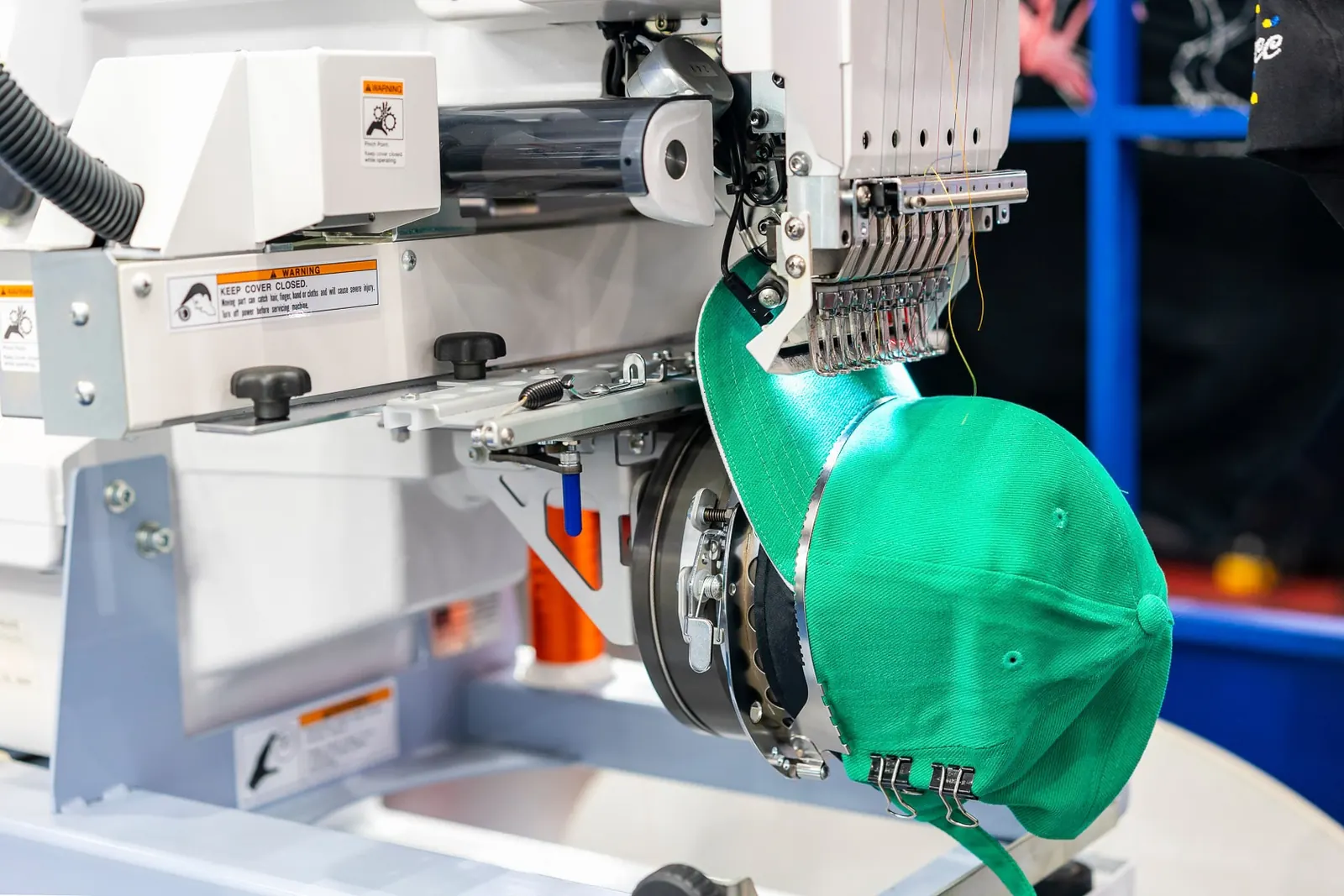
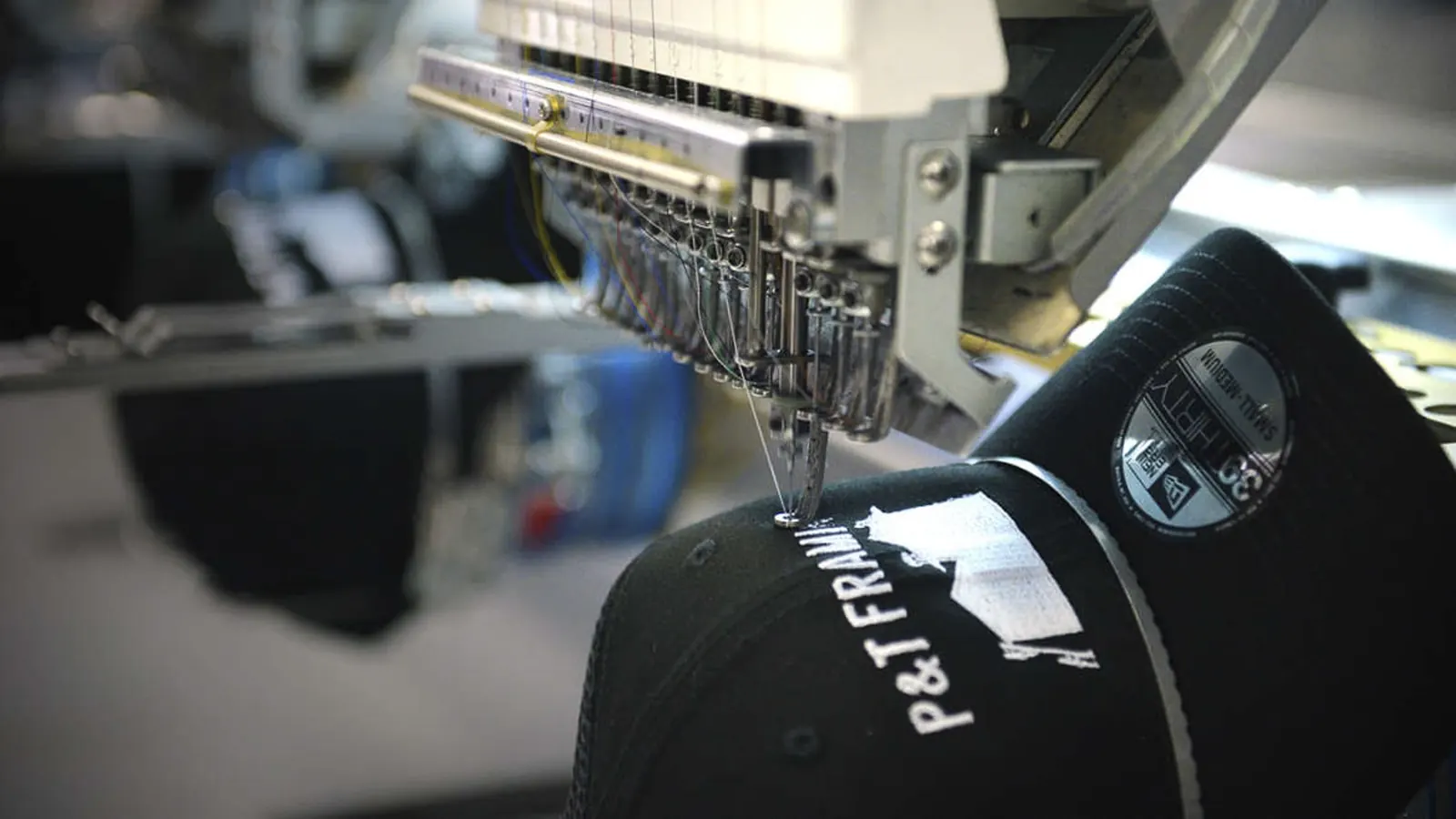
Embroidery needs your logo turned into a stitch file first. We take care of that digitizing, so just send your logo. Very small text and fine lines are hard to stitch, so a simpler version of the logo can work better in small spots like a cap or a chest.
How to send it
Upload it with your order on our order page: it takes .ai, .eps, .pdf, .svg, .png and .jpg files up to 30 MB. Before anything is made, we send you a mock-up for your approval.